
WhatsApp statuses not showing in a status saver?
An empty status saver is almost never a broken app. The causes, in the order to check them, with the exact folder paths for every Android version.
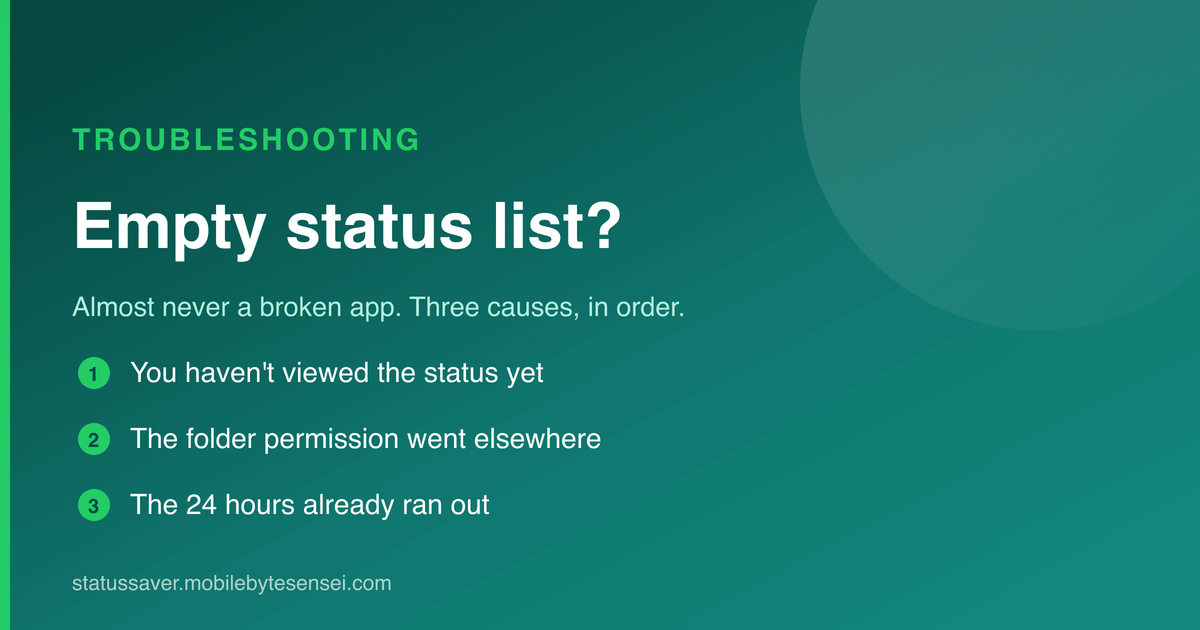
You open a status saver and the screen is empty, even though you just watched half a dozen statuses. This is the single most common complaint about every app in this category, and it is almost never a bug.
Work through the causes below in order — each one is quicker to check than the next.
1. You haven't viewed the status yet
This catches most people.
WhatsApp only writes a status file to your phone when you actually watch it. Until then there is nothing on the device to find — the status lives on WhatsApp's servers, and no app can reach it there.
The fix: open WhatsApp, watch the statuses you want, then come back and refresh. They appear immediately.
This also explains a confusing symptom — some statuses show and others don't. The ones that show are the ones you watched. Nothing is broken; you simply skipped the rest. A video you skipped through halfway may also be incomplete — watch it to the end.
2. The folder permission went to the wrong place
Modern Android makes an app ask for access to one specific folder, and that picker is easy to get wrong. Tap the wrong directory and the app is looking in a real folder that happens to contain no statuses.
| Your phone | The statuses folder |
|---|---|
| Android 11 and newer | Android/media/com.whatsapp/WhatsApp/Media/.Statuses |
| Android 10 and older | WhatsApp/Media/.Statuses |
| WhatsApp Business (Android 11+) | Android/media/com.whatsapp.w4b/WhatsApp Business/Media/.Statuses |
Two things go wrong here. The folder is hidden — the . in .Statuses — so some pickers won't show
it until hidden files are enabled. And older guides point at the top-level WhatsApp/Media/.Statuses,
which is where WhatsApp used to keep it. On current Android versions that path may exist but stay empty.
The fix: re-run the folder setup and grant the path for your Android version. Step-by-step: fixing the folder permission.
WhatsApp Business is separate. Granting one folder does not grant the other, so if you use both, grant both — a very common half-working setup. More in how to save WhatsApp Business statuses.
3. WhatsApp never downloaded the file
WhatsApp's media auto-download setting decides whether status media is fetched in the background. If photos and videos are off for mobile data, a status may only download when you open it — and a status you scrolled past never arrives at all.
Check WhatsApp → Settings → Storage and data → Media auto-download and allow photos and videos on the connection you use. Why this setting matters.
4. The phone is suspending WhatsApp
Aggressive battery savers on Xiaomi, OPPO, realme, vivo and some Samsung models stop WhatsApp in the background, so statuses never finish downloading. Allow WhatsApp unrestricted battery use — the exact menu is in the guides for Samsung, Xiaomi, OPPO, realme and OnePlus and vivo.
5. WhatsApp lives in another profile
A WhatsApp running in Dual apps / Dual Messenger / Second space / Secure Folder / Private space keeps its files under a separate Android user, out of reach of a normal app. Only statuses from the "main" WhatsApp can be saved. See dual WhatsApp and cloned apps.
6. The 24 hours ran out
Statuses expire a day after they're posted, and WhatsApp then deletes its copy from your phone too. A status you watched yesterday is genuinely gone — here's the timing.
The two-minute test
If all of the above check out and you still see nothing, open a file manager with hidden files on and browse to the folder from the table:
- The folder shows nothing → the files aren't on your phone; the cause is upstream (steps 1, 3, 4, 5).
- It shows files but the app doesn't → the permission landed on the wrong folder; redo step 2.
How to find the .Statuses folder has the menus for each brand.
Common questions
Statuses appeared before, now they don't — what changed? Usually a WhatsApp update or reinstall recreated the folder, so the old permission points at nothing. Re-grant it — details.
Some contacts' statuses show and others never do. Their privacy settings may exclude you, or they posted text-only statuses, which aren't stored as files.
The list shows old statuses but not new ones. That's timing between WhatsApp and the folder — why a status saver shows old statuses.
The status won't even load in WhatsApp. Then there's nothing to save yet — status won't load or download.
I can't find someone's statuses at all. You may have muted them; muted updates sit at the bottom of the Updates tab — where muted statuses go.
Does this work on WhatsApp Web? Not with a phone app — on a computer, use the Status Saver Chrome extension, which keeps statuses as you watch them. How it works.
Status Saver walks through the folder grant during setup and shows which folder it is reading, so you can see at a glance whether the permission landed.
One post a week, no digest
New writing when it lands. No roundups, no course pitch, no "10 tips".